Fake websites are designed to look real but are created to steal your personal information, passwords, or payment details. In many cases, you can identify them within seconds if you know what to check.
Key Signs of a Fake Website
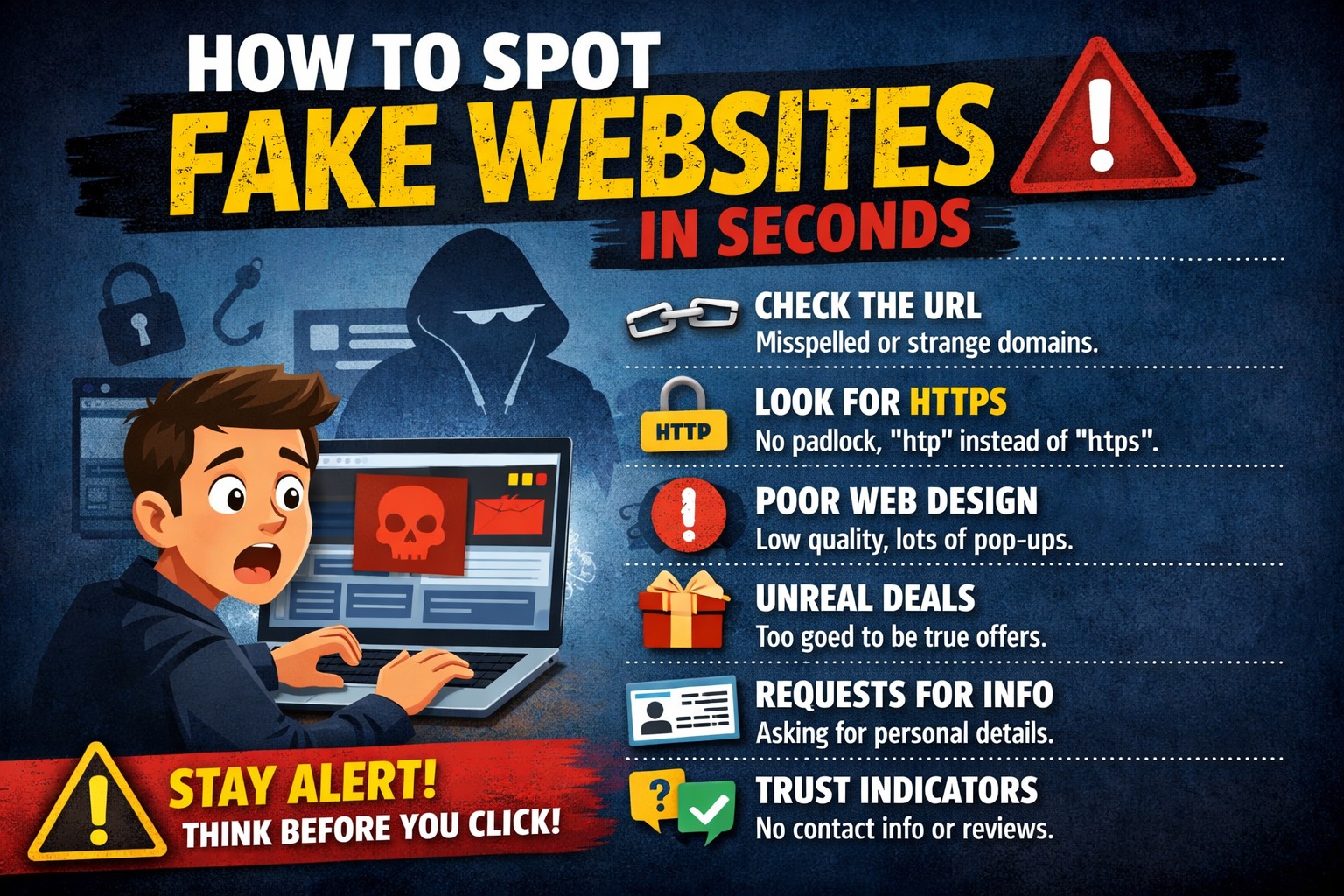
1. Check the URL
Always look closely at the website address. Fake sites often have small spelling errors or extra words.
2. Look for HTTPS
Secure sites use https:// and show a lock icon—but don’t rely on this alone.
3. Poor Design
Low-quality images, spelling mistakes, or broken pages are strong warning signs.
4. Unrealistic Offers
If a deal looks too good to be true, it usually is.
5. Missing Contact Info
Legitimate websites provide proper contact details. If not, be cautious.
How to Stay Safe
- Search online reviews before trusting a site
- Avoid clicking unknown or suspicious links
- Always double-check before entering personal details
Final Tip
If something feels off, leave immediately.
Think before you click. Your awareness is your best protection.