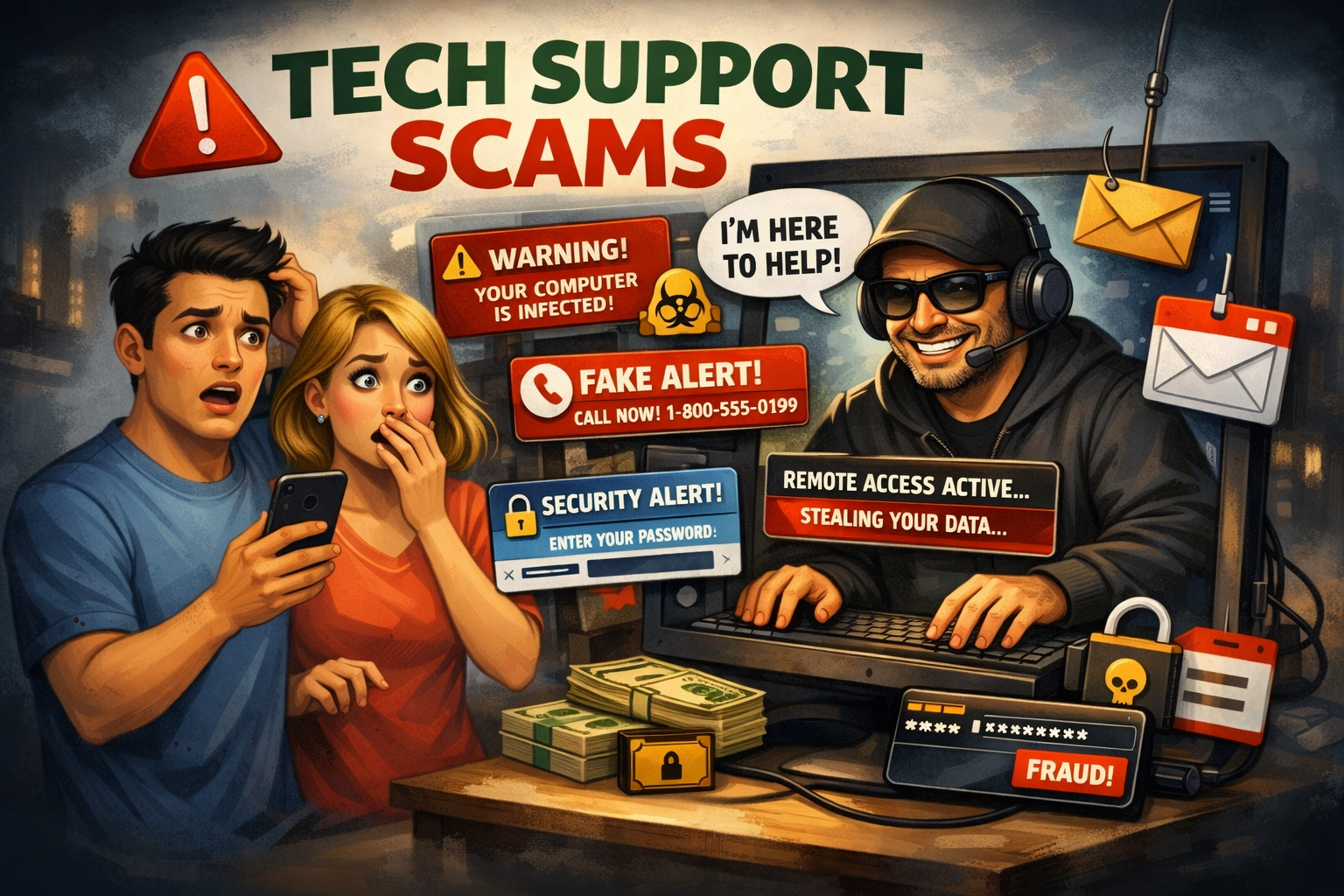
Tech support scams trick users into believing their device is infected or has a serious issue. These scams usually appear as fake popups, warnings, or calls claiming to be from well-known tech companies.
How These Scams Work
You may see a popup saying your system is infected or at risk. It urges you to call a number or click a link. The “support agent” then asks for remote access or payment to fix the problem.
In reality, there is no issue—it’s just a scam.
Warning Signs to Watch
1. Fake Popups
Sudden alerts claiming viruses or system errors.
2. Urgent Warnings
Messages that create panic and push immediate action.
3. Remote Access Requests
Scammers ask to control your device.
4. Payment Demands
Scammers ask to control your device.
How to Stay Safe
- Never allow remote access to unknown agents
- Do not pay for unsolicited tech support
- Ignore suspicious popups and warnings
- Close the browser or restart your device if needed
Final Tip
Real companies don’t show random virus alerts or ask for payment like this.
Stay calm. Stay aware. Stay protected.